

Answers from your practice's records, with the page or minute they came from.
Answer a few quick questions, and we’ll email you to book your call.
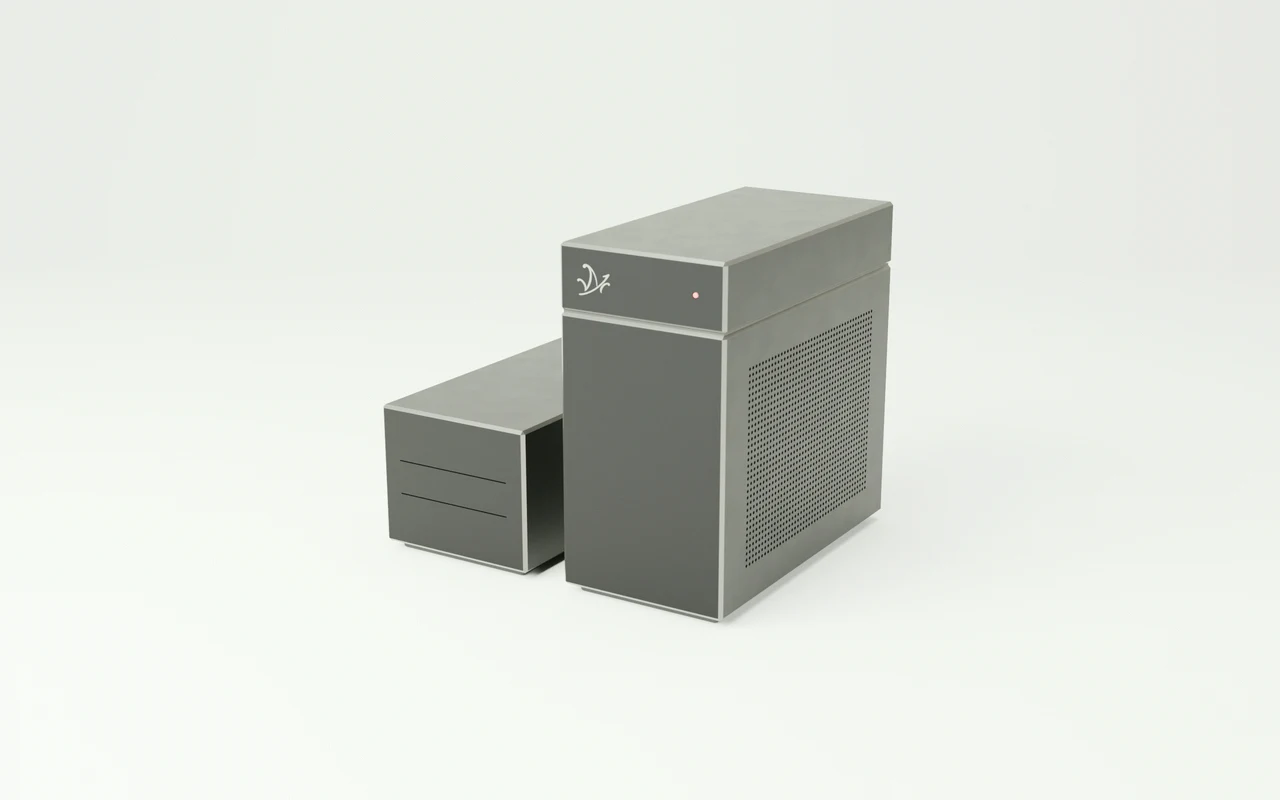
Your records,
answered in the practice.
Mazō is a workstation that reads your intake forms, session summaries, policies, and recorded consultations, answers questions about them, and cites the page each answer came from.
Ask how to handle a records request.
Mazō opens Section 4.2, page 12.
You copy your practice’s policies, forms, and recorded case consultations onto the machine. Ask in plain words how to answer a client who wants their file, and Mazō shows the policy passage with its page, the point in the consultation where it was discussed, and a draft reply to the client.
Every record,
searchable in one place.
Mazō indexes every form, summary, and policy you give it. Ask in plain language and it returns the passage with the document, date, and page.
- Intake forms
“Which intake form did this client sign, and when?”
PDF · scan - Session summaries
“When did we last review this treatment plan?”
DOCX · PDF - Practice policies
“How long do we keep records after a client leaves?”
PDF · DOCX - Referral letters
“Who referred this client, and what did they ask for?”
DOCX - Records requests
“What did we send the last time a lawyer asked for a file?”
PDF · scan - Case consultations
“What did the team decide about the waitlist in June?”
MP3 · WAV - Dictated notes
“What did I dictate after Tuesday’s session?”
Audio · transcript - Scanned forms
“Is the signed consent form on file?”
TIFF · JPEG
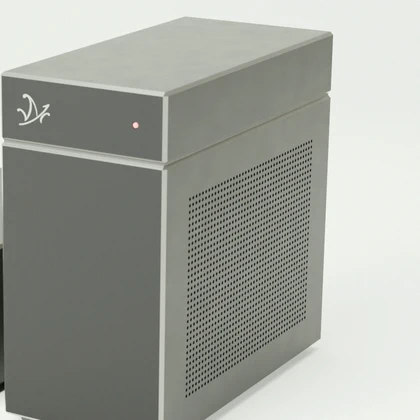
Your clients’ health is a promise, not a policy.
One practice.
One machine.
What each 1 TB of the workstation’s storage holds, filled with one kind of file- Scanned pages
- About 2 million
- Hours of recorded consultations
- About 1,000
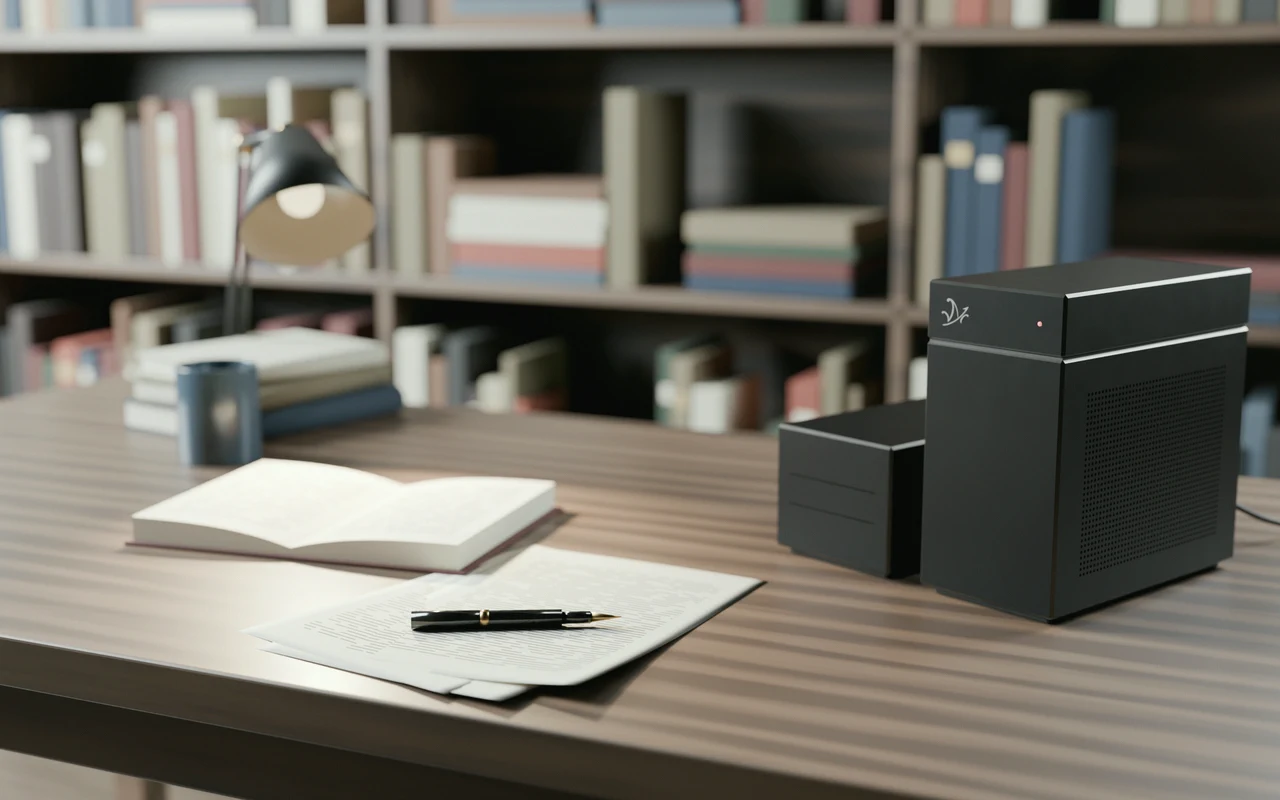
The records,
at your desk.
A client can ask to see their record.
Mazō answers with the document, date, and page, or the second of the consultation, so what you write to a client matches what their file says.
How the air-gap works