

Answers from your firm's files, with the page or minute they came from.
Answer a few quick questions, and we’ll email you to book your call.
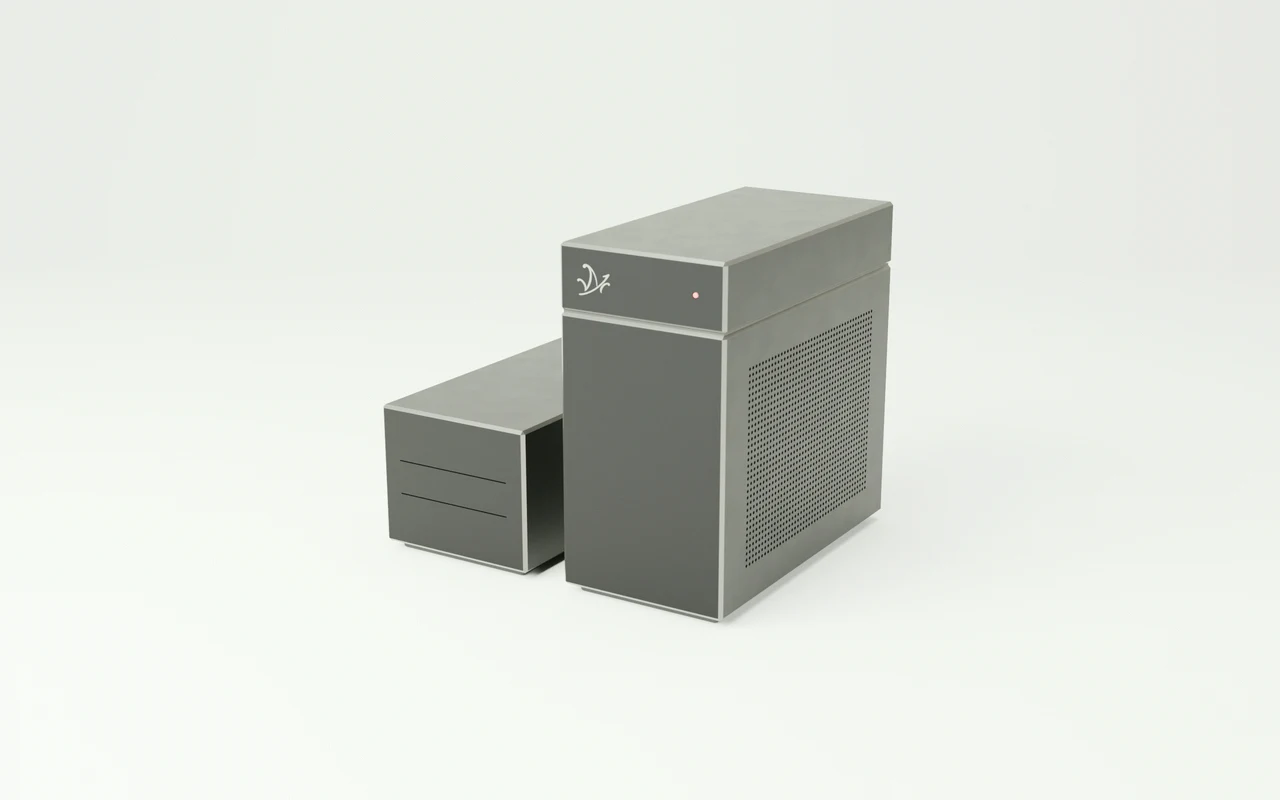
The firm's files,
answered in the office.
Mazō is a workstation that reads your agreements, pleadings, transcripts, and correspondence, answers questions about them, and cites the clause and page each answer came from.
Ask when the cure period starts.
Mazō opens paragraph 34 of the decision.
You copy the firm’s agreements, case law, and deposition recordings onto the machine. Ask in plain words, and Mazō answers with the paragraph of the decision, the clause of the agreement, and the minute of the deposition it relied on, each one a click from the original.
Every matter,
searchable in one place.
Mazō indexes every agreement, pleading, and transcript you give it. Ask in plain language and it returns the passage with the document, clause, page, and paragraph.
- Agreements
“Which of our supply agreements allow termination for convenience?”
PDF · DOCX - Pleadings
“What did the defence plead about notice?”
PDF - Correspondence
“When did opposing counsel first raise the limitation period?”
Email export · PDF - Research memos
“Have we written on the cure period before?”
DOCX - Transcripts
“What did the witness say about the dispatch log?”
PDF · TXT - Recorded calls
“What did the client tell us about the March shipment?”
MP3 · WAV - Scanned files
“Is there a signed copy of the 2019 amendment?”
TIFF · PDF - Case law you keep
“Which decisions we hold say notice runs from receipt?”
PDF
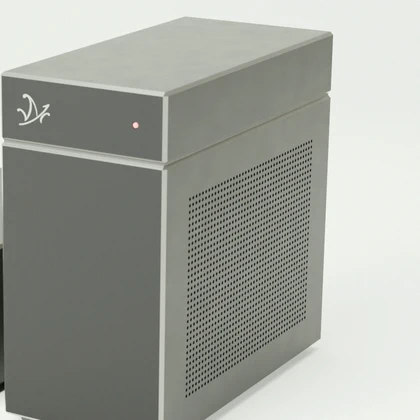
Privilege is the whole job.
One firm.
One machine.
What each 1 TB of the workstation’s storage holds, filled with one kind of file- Scanned pages
- About 2 million
- Hours of recorded calls and depositions
- About 1,000
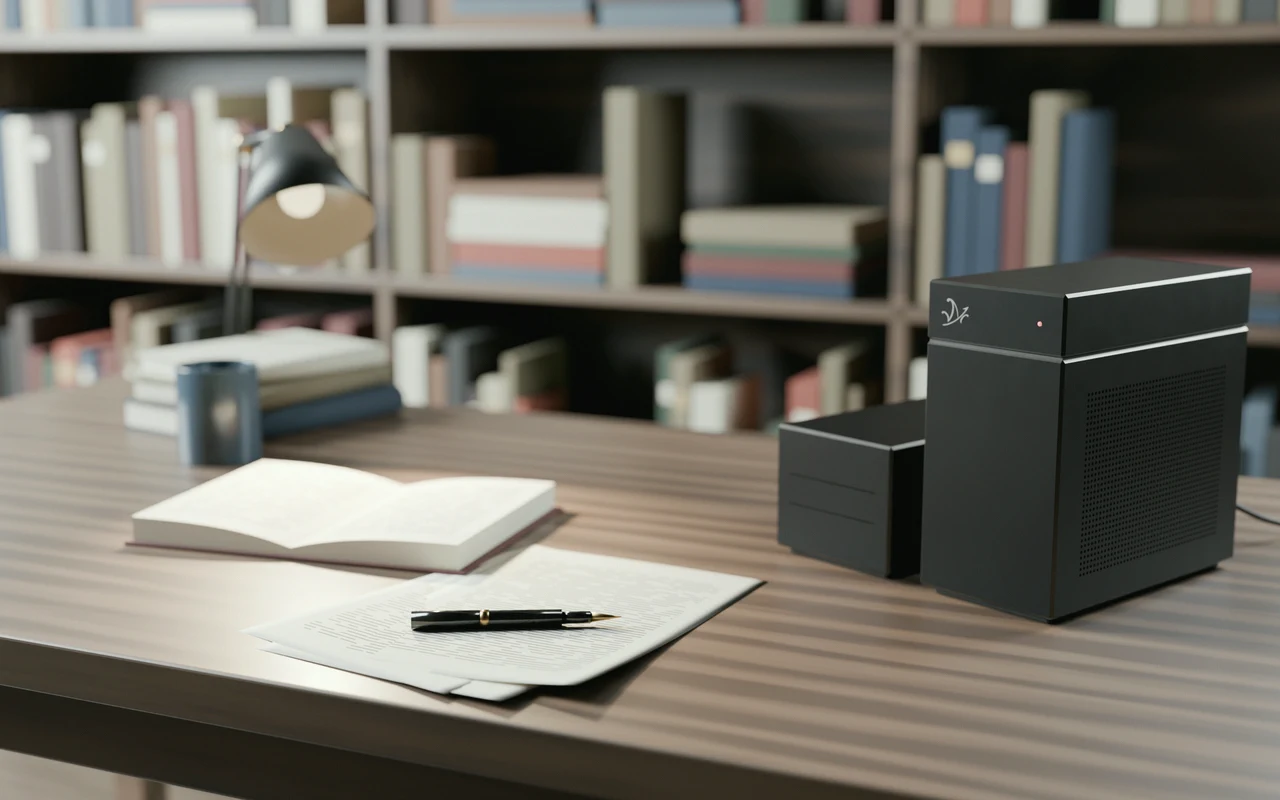
The files,
at your desk.
Opposing counsel will read the clause.
Mazō answers with the document, clause, and page, or the second of the deposition, so you read the exact words before they go into a letter or a factum.
How the air-gap works