

Answers from your client files, with the page or minute they came from.
Answer a few quick questions, and we’ll email you to book your call.
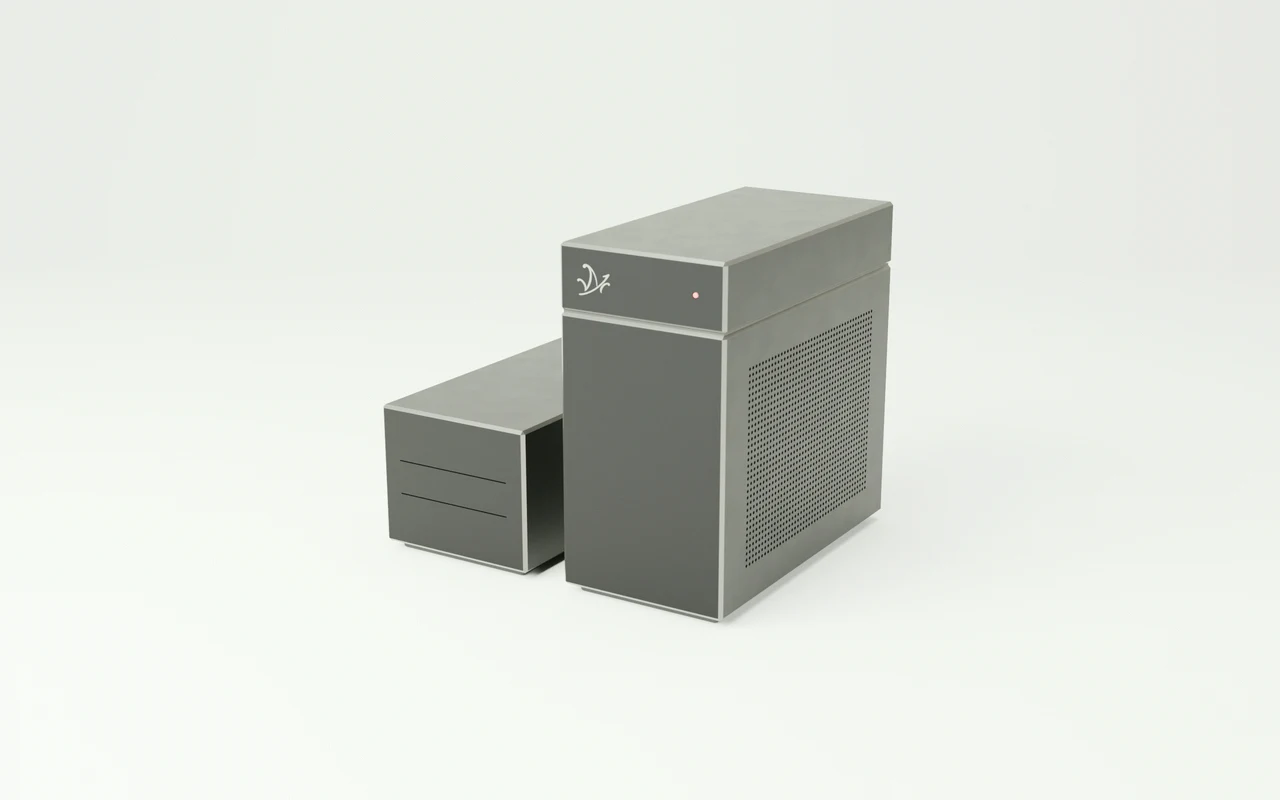
Your client files,
answered in the office.
Mazō is a workstation that reads your engagement letters, working papers, procedures, and recorded client calls, answers questions about them, and cites the page each answer came from.
Ask what the engagement covers.
Mazō opens page 3 of the signed letter.
You copy engagement letters, working papers, and your procedures manual onto the machine. Ask in plain words whether a client’s request is in scope, and Mazō shows the exclusion in the signed letter, the procedure that applies, and a draft email to the client.
Every client file,
searchable in one place.
Mazō indexes every letter, working paper, and schedule you give it. Ask in plain language and it returns the passage with the document, year, page, and tab.
- Engagement letters
“Does this engagement include an inventory count?”
PDF · DOCX - Working papers
“Where did last year’s accrual figure come from?”
XLSX · PDF - Year-end schedules
“Which schedule shows the capital cost allowance?”
XLSX - Procedures manual
“What do we do when a client asks for a review instead?”
PDF · DOCX - Client correspondence
“When did the client send the bank statements?”
Email export · PDF - Recorded client calls
“What did the client say about the new vehicle?”
MP3 · WAV - Scanned statements
“What was the closing balance on the March statement?”
TIFF · PDF - Prior-year files
“How did we treat the shareholder loan in 2023?”
PDF · XLSX
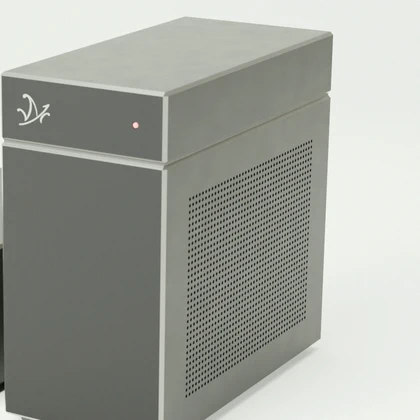
Client books are trusted to you, not to a cloud.
One practice.
One machine.
What each 1 TB of the workstation’s storage holds, filled with one kind of file- Scanned pages
- About 2 million
- Hours of recorded client calls
- About 1,000
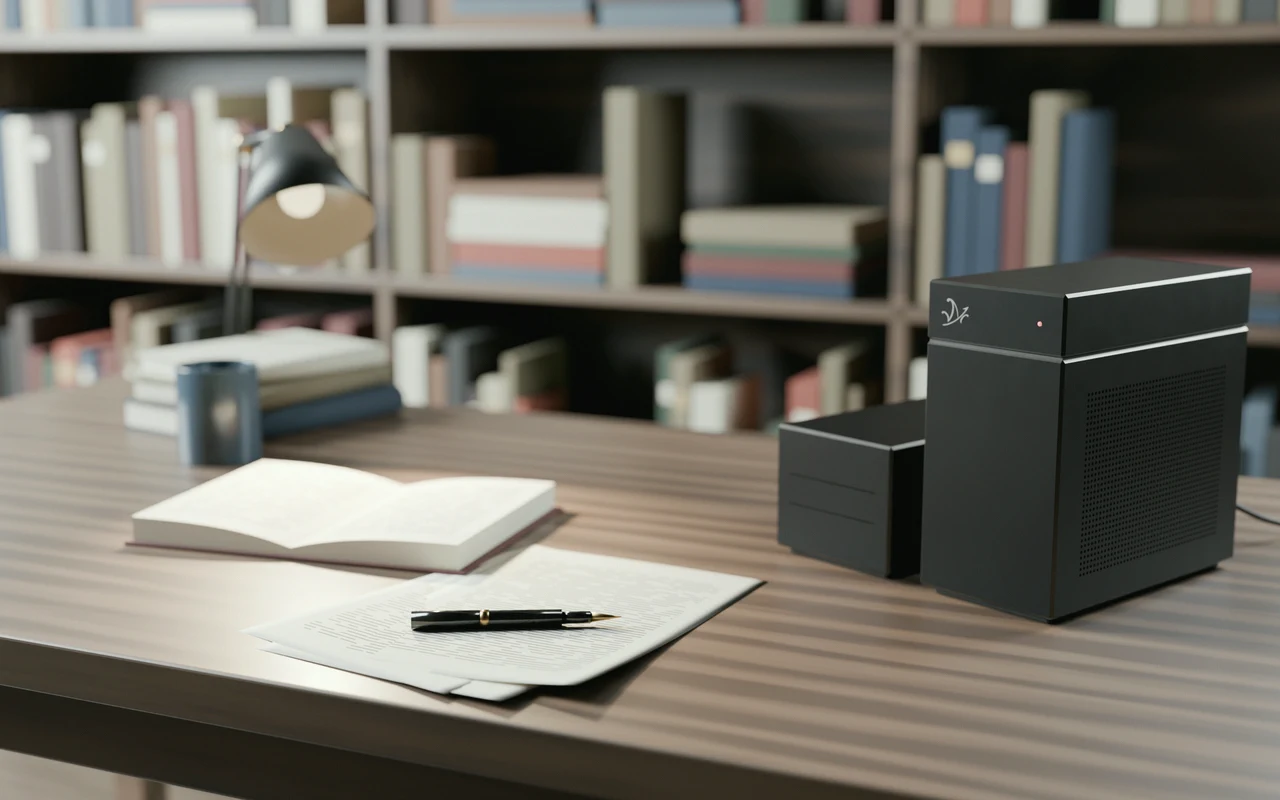
The files,
at your desk.
The client signs what you send.
Mazō answers with the document, page, and tab, or the second of the client call, so the figure in your letter is the one in the working papers.
How the air-gap works